Shopify e-commerce 2026+
Connect Gift Up to your Shopify store and we will enable your Gift Up gift card codes to be used during checkout (and in-person if you use Shopify POS) as a native Shopify gift card.
Connect Gift Up to your Shopify account
Head to your Shopify store admin and click "Apps >"
 And then "App settings"
 Then "Develop apps"
 Then Build apps in Dev Dashboard
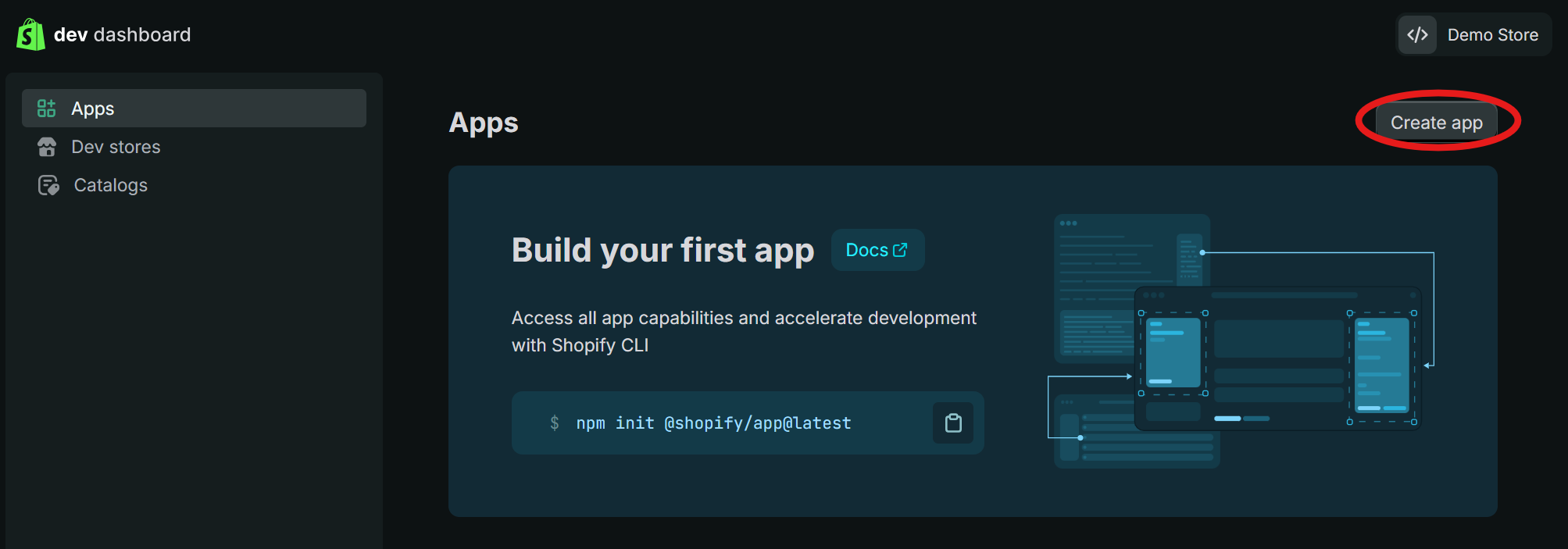
 Once you're in the Dev Dashboard, click Create app and give your app a name
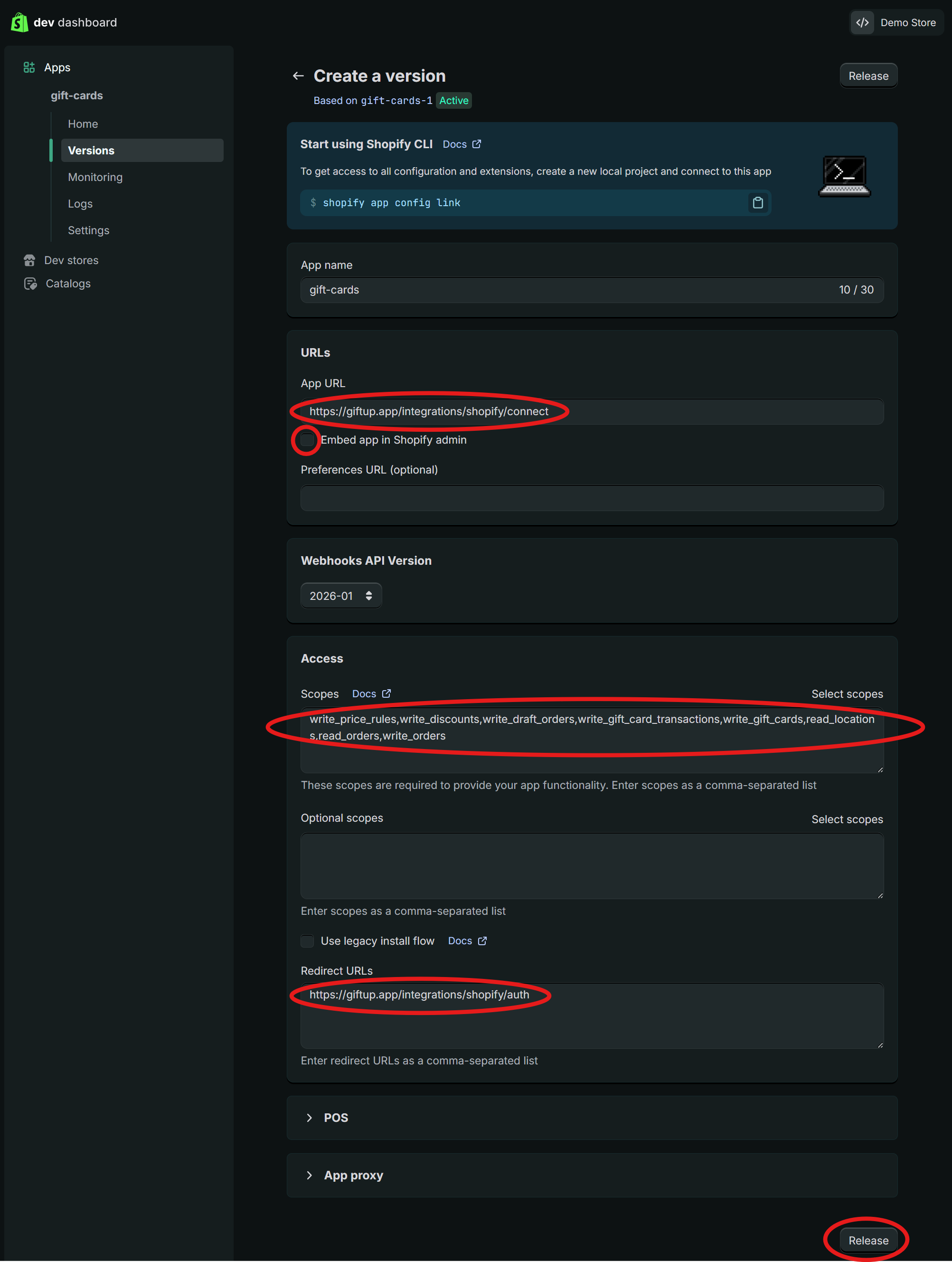
 Enter the following information:
App URL:
https://giftup.app/integrations/shopify/connect
Scopes:
write_price_rules,write_discounts,write_draft_orders,write_gift_card_transactions,write_gift_cards,read_locations,read_orders,write_orders
Redirect URLs:
https://giftup.app/integrations/shopify/auth
Also, uncheck the "Embed app in Shopify admin" checkbox.
Then click the "Release" button at the bottom of the page.
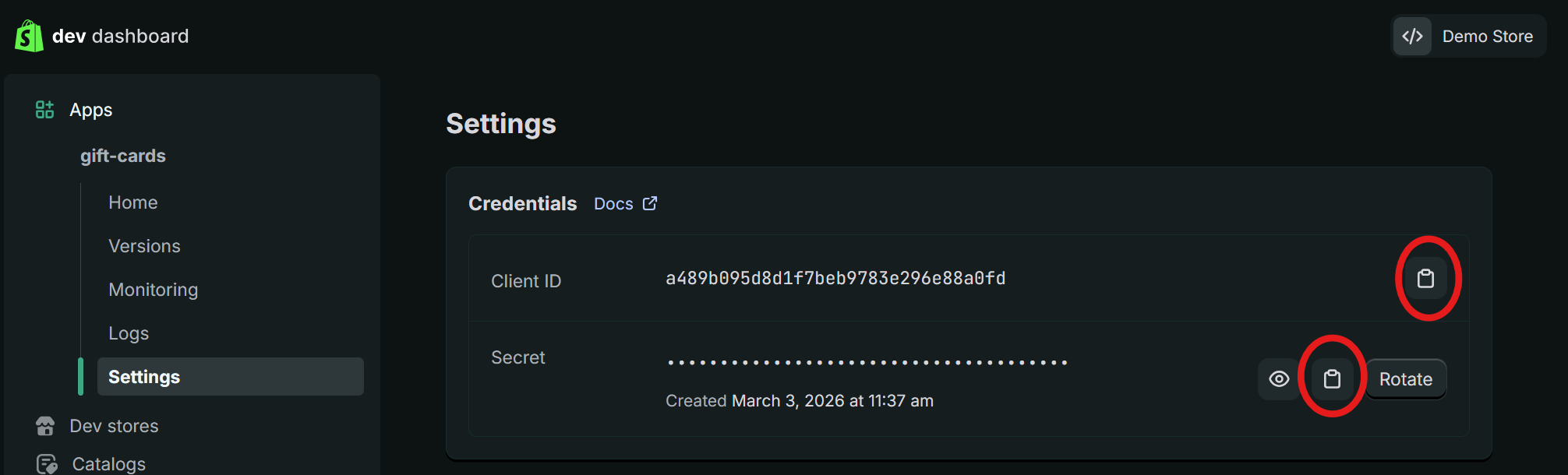
 Then click Settings
 And copy your Client Id and Secret to somewhere safe temporarily.
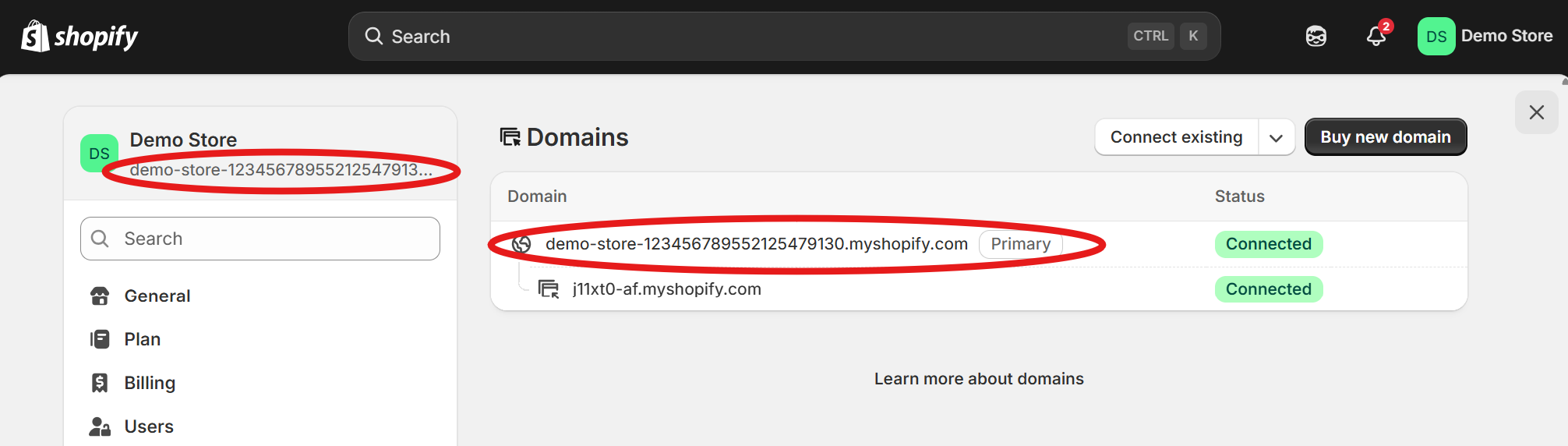
Head back to your Shopify admin and copy your store's domain
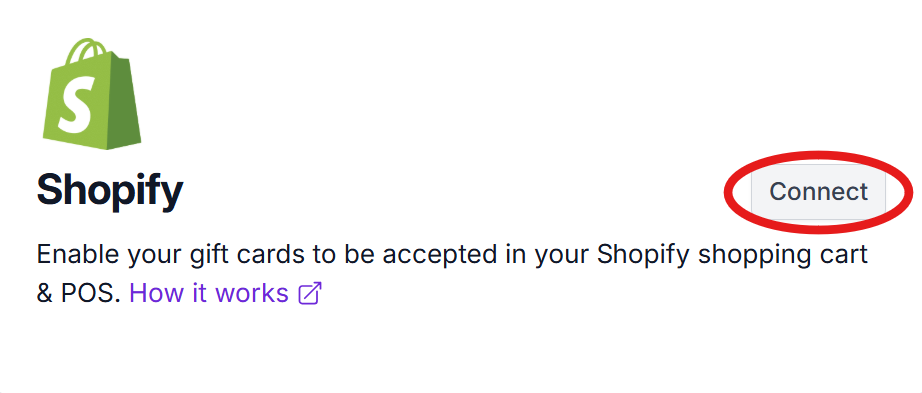
Head to https://giftup.app/integrations and Click Connect on the Shopify card
Enter your Client Id and Secret into the card, and also enter your Store Domain, and click connect
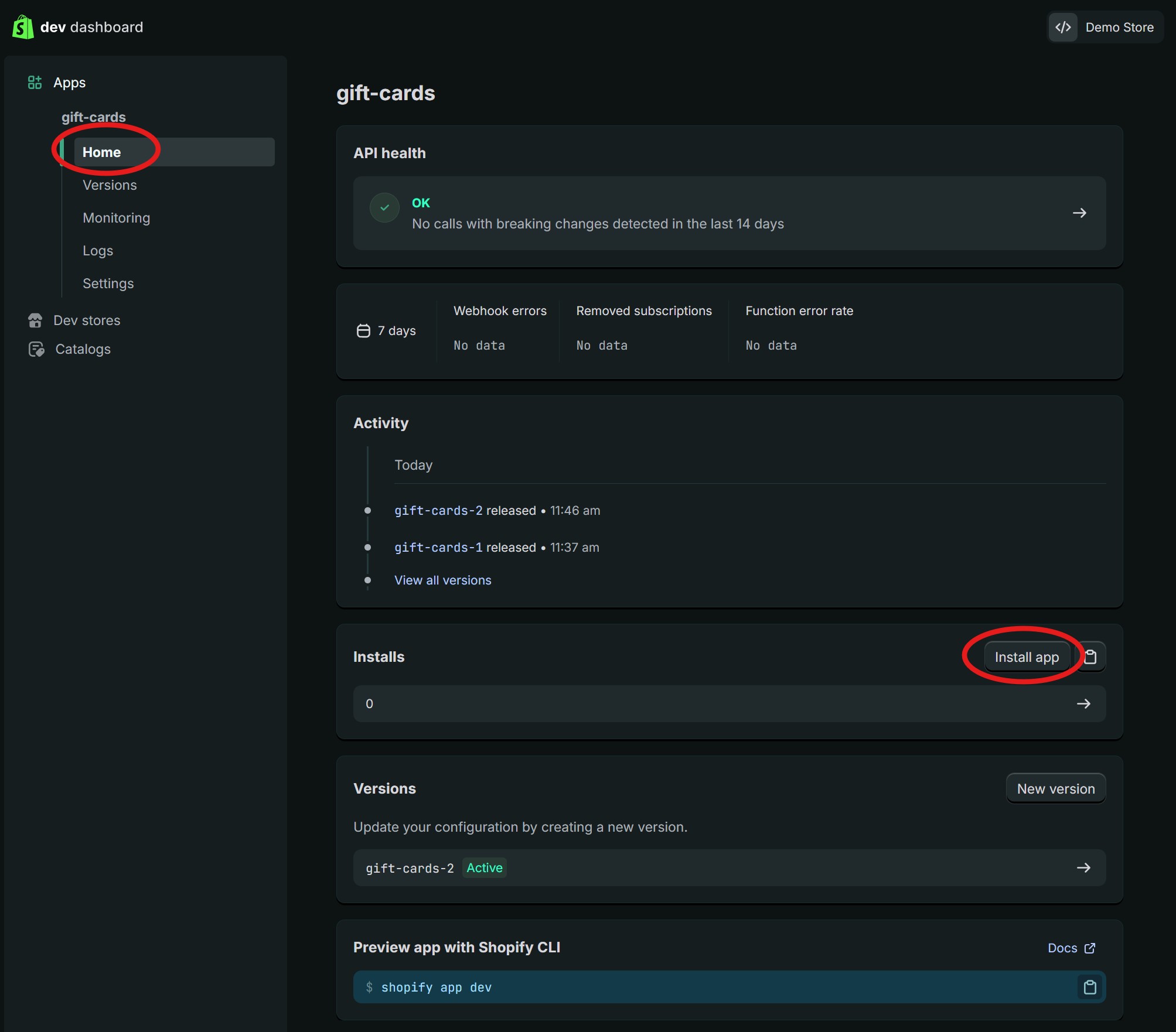
Now head back to the Shopify Dev Dashboard and Install the app
 After installation, you'll be taken back to Gift Up where we'll show you that Shopify is now connected